AI has become a valuable part of my creative workflow, helping me create visual assets faster and explore ideas that would have taken significantly longer using traditional methods. While AI isn't a replacement for design skills, it acts as a creative partner that helps accelerate exploration, iteration, and production.
Creating Moodboards Faster
One of the simplest ways I use AI is to create moodboards. By uploading screenshots, reference images, sketches, or examples of existing products, AI can quickly generate visual directions and help explore different styles.
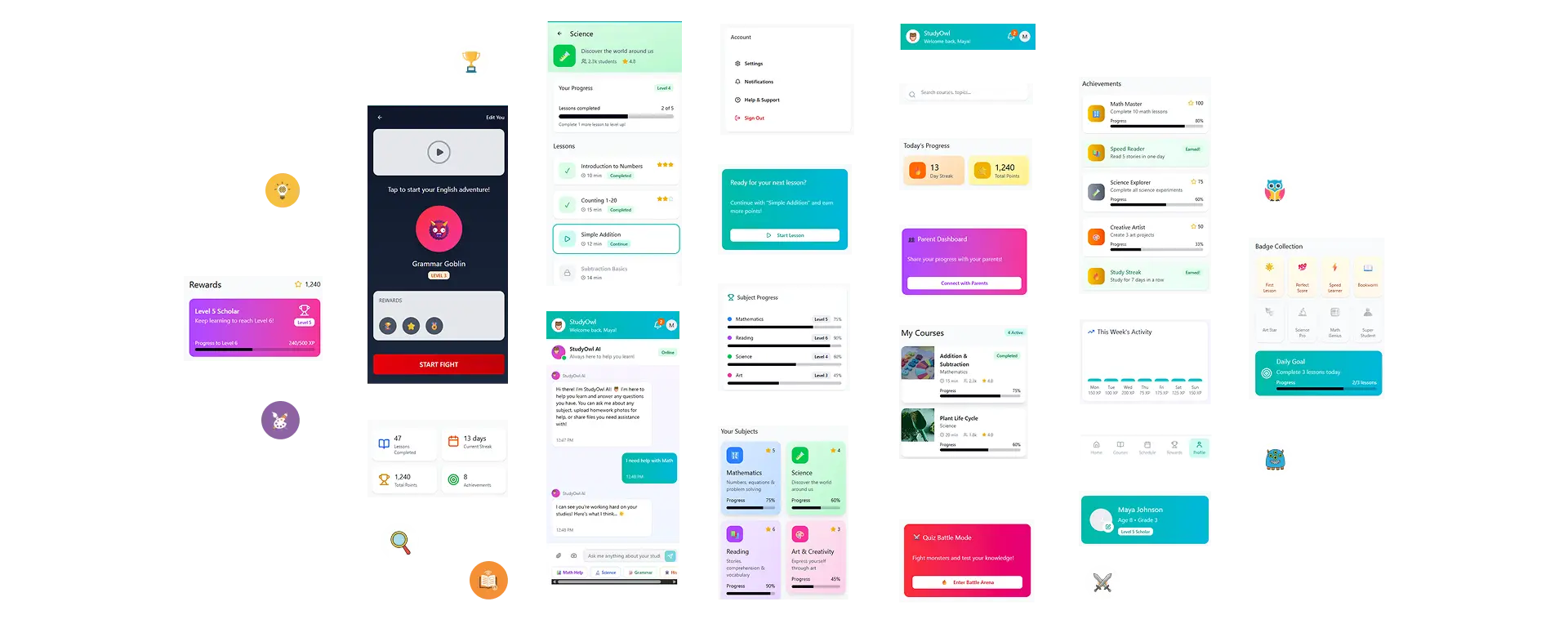
This allows me to test multiple concepts early in the design process before investing significant time in high-fidelity designs. In some cases, I can even upload rough sketches and have AI incorporate those ideas into visual concepts, creating proof-of-concept designs within minutes.
Building Branding Assets
AI has become surprisingly useful for developing branding materials. By providing color palettes, typography preferences, logos, and visual references, I can generate a variety of branded assets that maintain a consistent visual style.
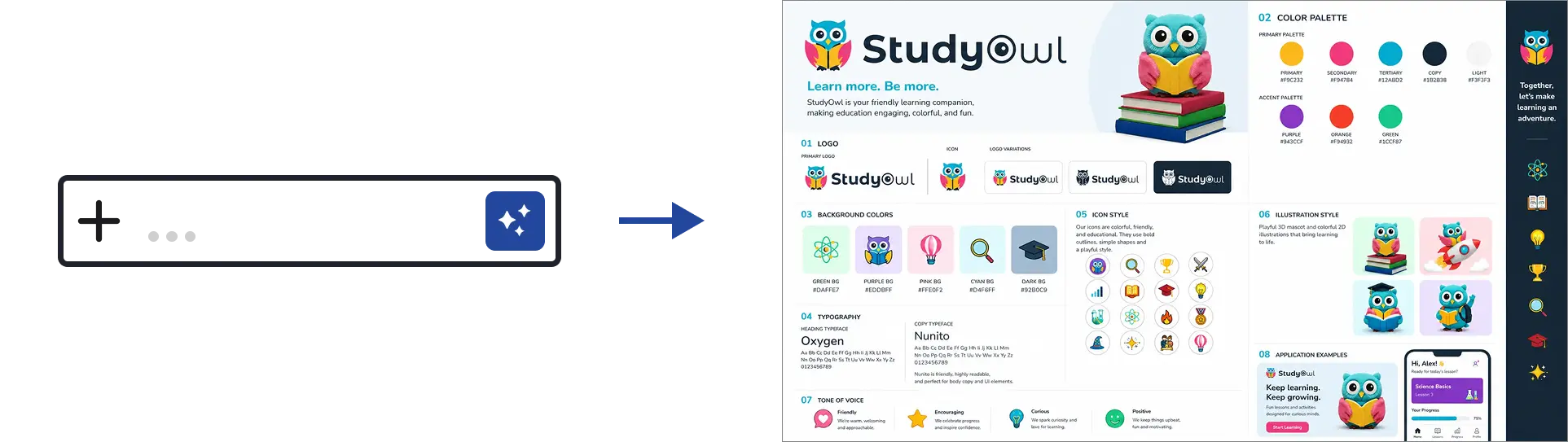
AI can also help identify accessibility concerns by reviewing color combinations and highlighting potential WCAG issues. While logo generation is still one of AI's weaker areas, it can be useful for early concept exploration and brainstorming visual directions.
I've also used AI to generate brand guides, explore typography pairings, and create marketing materials that align with an existing brand identity.
One lesson I've learned is that if I'm looking for significantly different creative directions, it's often better to start a new chat.
Because AI uses the existing conversation as context, it may continue generating variations that are similar to previous concepts. Starting fresh can help produce more diverse ideas and uncover alternative design directions that might not appear within the original conversation.
Image Generation and Visual Exploration
Image generation has significantly expanded what's possible during concept development. Instead of searching for stock photography or creating every visual from scratch, I can generate custom illustrations, hero images, concept art, and marketing visuals tailored to a project's needs.
By combining logos, brand assets, color palettes, and reference imagery, I can quickly create multiple visual directions and compare concepts before committing to a final design.
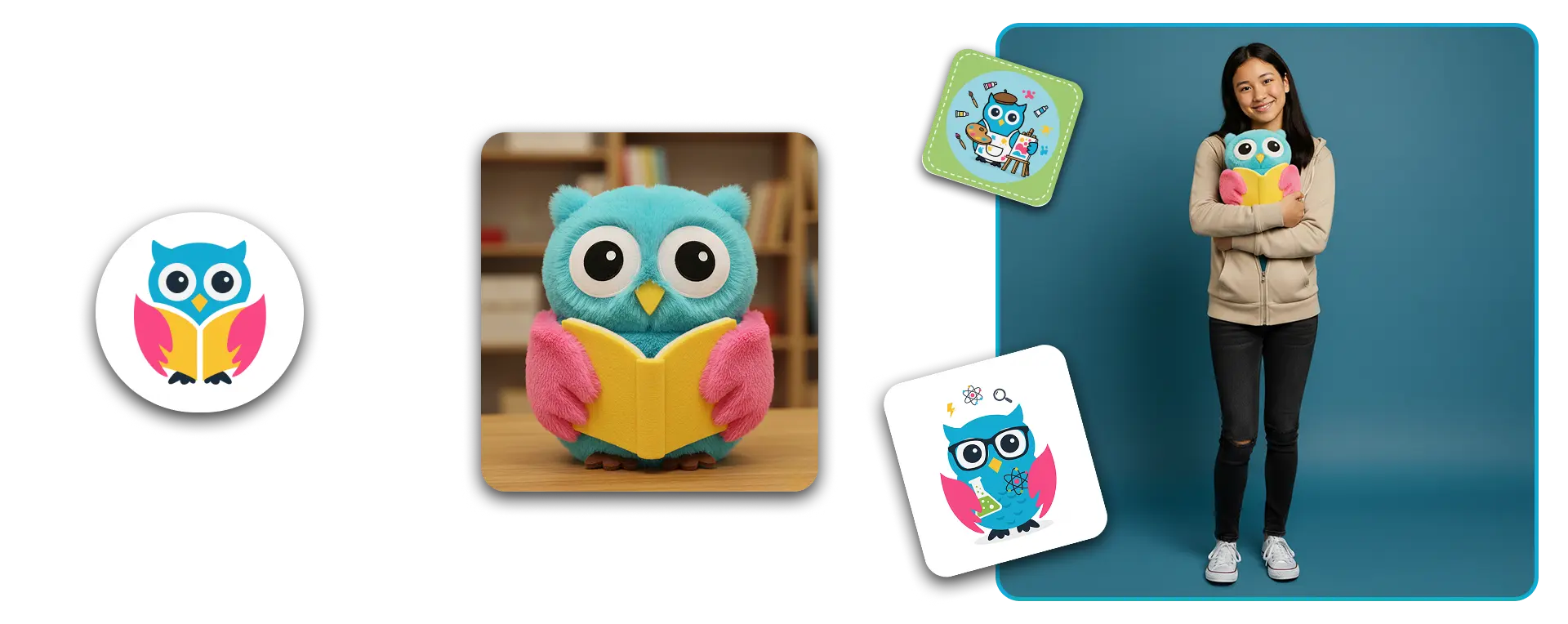
AI can also generate transparent PNG assets, making it easier to create presentations, mockups, and marketing materials. Tools such as Adobe Firefly further enhance this workflow by allowing images to be expanded, refined, and corrected when additional editing is needed.
Final Thoughts
The biggest advantage of AI in visual design is speed. It allows me to explore more ideas, test more concepts, and create supporting assets much faster than traditional workflows alone.
The final design decisions still require human judgment, creativity, and design expertise, but AI helps remove much of the friction involved in getting ideas from concept to execution.